

If your Super Bowl plans involve guests, food and a big screen, you already have the most important ingredients. However, there are a few smart home hacks that take only seconds to set up but can bump up the score on your party points.
Even if you only have a couple of smart devices in your home, check out these simple tricks to prep for game day and help everyone have an excellent time.
Read more: Super Bowl 2025: How to Watch the Kendrick Lamar and SZA Halftime Show
Set smart lights to team colors
Changing smart lights to team colors only takes a minute or two.
Modern LED smart lighting often includes color options and even smart color matching to shift indoor bulbs to specific hues. For brands like Govee or Philips Hue, setting game day colors can be as easy as bringing up a team flag or logo on your TV screen and pointing your phone app at it. Or you can set background lights to sync with whatever is happening on your main displays for a more dynamic look. Setting lights to your team colors manually is also an option and will take only a couple of minutes for a fan-forward party look.
Read more: We Asked the Experts Why Our LED Bulbs Fail Early
Connect your kitchen smart speaker to the big game
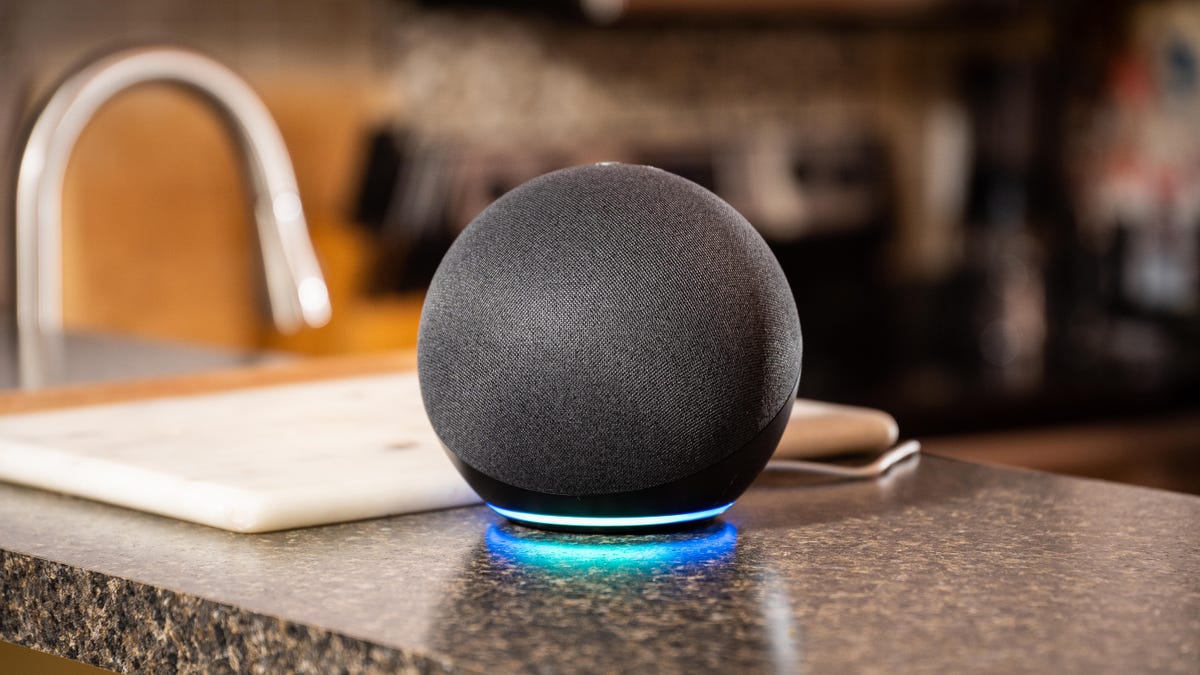
Hear every play call by linking your kitchen smart speaker to your TV.
With conversations and cooking noises, it can be difficult to hear every play happening over on the TV. But if you have a smart speaker nearby, you can usually fix this problem while staying in sync with everyone else. Amazon Echos, for example, can connect to any TV with Bluetooth capabilities and relay the sound no matter where they are in the house.
We have a guide on how to set up Echo speakers like this in only a couple of minutes. Similar steps should work with other speakers like Nest Minis too.
Set an extended auto-lock on your smart lock
A screenshot shows the Yale lock auto locking settings.
A reliable smart lock keeps your door safe and even lets you set temporary access keys for guests. One of our favorite features is auto-locking, which automatically locks a front door after it’s been closed for a while, useful when there are a lot of things happening at once.
However, since guests often like to come and go, bring in supplies or take “quick walks,” it’s a good idea to head into your lock app and bump up the re-locking time window to 10 minutes or so. That way no one will find themselves unexpectedly locked out of the house.
Mute your voice assistant
Lots of yelling and talking can confuse your voice assistants.
Between announcers and Super Bowl chatter, speakers and voice assistant apps may start hearing their wake words like “Alexa” or “Hey Siri” by accident. And don’t forget, some companies may have Super Bowl ads that include voice assistant examples that may accidentally trigger your own devices. Consider muting your voice assistant mics until game day is over.
Disarm home security systems if necessary
Make sure all your security sensors are disarmed for the game so they don’t start sensing unexpected motion.
If you have a home security system, check its arm/disarm settings for the big game day. Make sure all your sensors are disarmed for your party, both inside and outside the house. You don’t want anyone accidentally triggering a sensor and setting off an alarm or giving you a cascade of annoying alerts. If friends are bringing a dog over, keep in mind that motion sensors that can ignore small animals like cats will often be triggered by larger animals like dogs.
You can also shut down smart alerts to your motion-sensing home cameras for the same reason.
To complete your game day plans, check out our delicious buffalo wing cooking hack, the latest big TV deals and what to expect from Super Bowl AI this year.